Français
 Nederlands
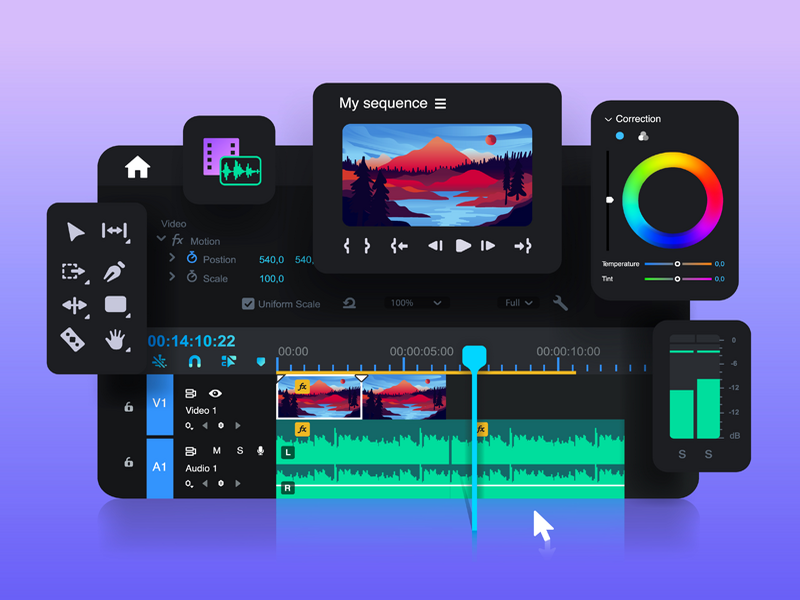
Start video editing without high costs
Editing videos on your PC does not need to cost a fortune in expensive licenses or professional software suites. Nowadays, excellent free alternatives are available that offer features previously only found in the most expensive programs. For beginners and semi-professionals, it is essential to understand that the quality of a video comes from the editor's creativity, not the price of the software. By using open-source programs like Shotcut or DaVinci Resolve, you can achieve high-quality video editing without breaking the bank. These programs offer an intuitive interface and powerful timelines that allow you to cut, color correct, and add sound effects. The most important thing is learning the basic skills, such as organizing clips and understanding the workflow, before getting lost in the complex settings of expensive paid software.
Optimizing your workflow and hardware
Besides choosing the right software, optimizing your PC is a crucial part of the process. Video editing requires significant computing power, especially when processing high-resolution footage. Ensure you have enough RAM and that your operating system is free of unnecessary background processes. A good workflow starts by organizing your source files into folders on a fast SSD, allowing the software to switch faster between the various video clips and audio fragments you process in your project. Adding transitions and titles can be demanding for your PC. By using proxies or so-called 'proxy-files' in your software, you can temporarily lower the resolution of your footage while editing. This ensures a smooth experience without your PC crashing. Once you have finished the edit, you render the final result in full quality, ultimately achieving the same results as with professional equipment, provided you have patience and use the correct settings.
Exporting and sharing your final product
When the editing is finished, it is time to export your video for your audience. Choosing the right codec and file type is of great importance. For general internet use, use the H.264 format, as this offers the best balance between file size and image quality. During rendering, it is wise not to run other heavy applications so that your PC can focus entirely on the rendering process. It is also smart to look at the bitrate settings; an excessively high bitrate results in unnecessarily large files that load slowly, while a bitrate that is too low affects the quality of your work. By experimenting with these settings, you learn what works best for your specific projects. With the right free tools and a structured approach, you can achieve production quality that rivals paid productions, allowing you to share your visual stories professionally with the world without unnecessary financial investments.